In Part 1, I left off needing a way to use Home Assistant while I wasn’t on my local network. Prior to all of this, I had upgraded from the default Verizon router to the Deco M5, a 3-piece mesh system from TP-Link. My router is in the basement, so coverage was pretty terrible before the upgrade. With the mesh system, I was able to fully envelop my home with WiFi. The second floor node used a wired back-haul while the first floor was left to fend for itself.
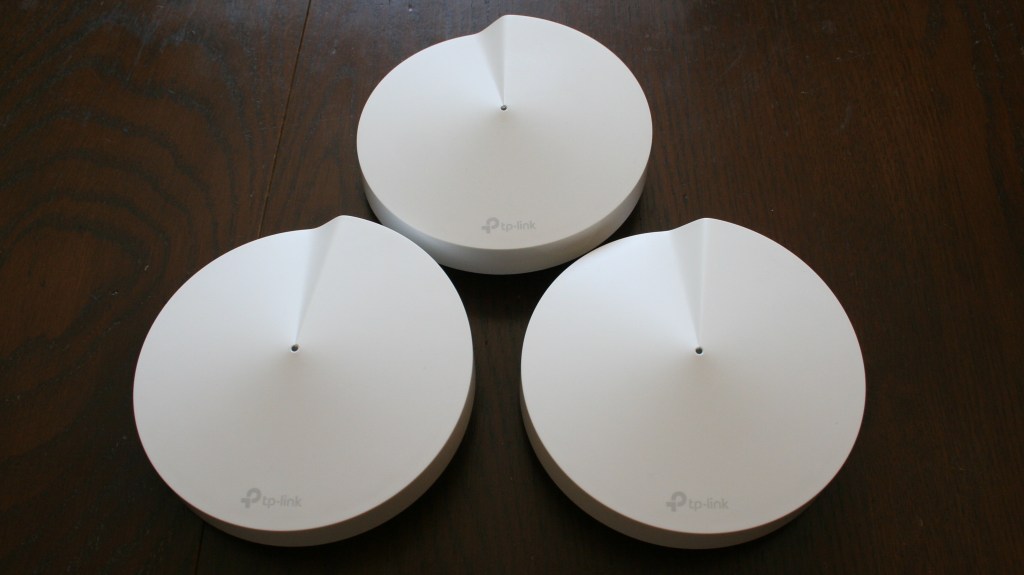
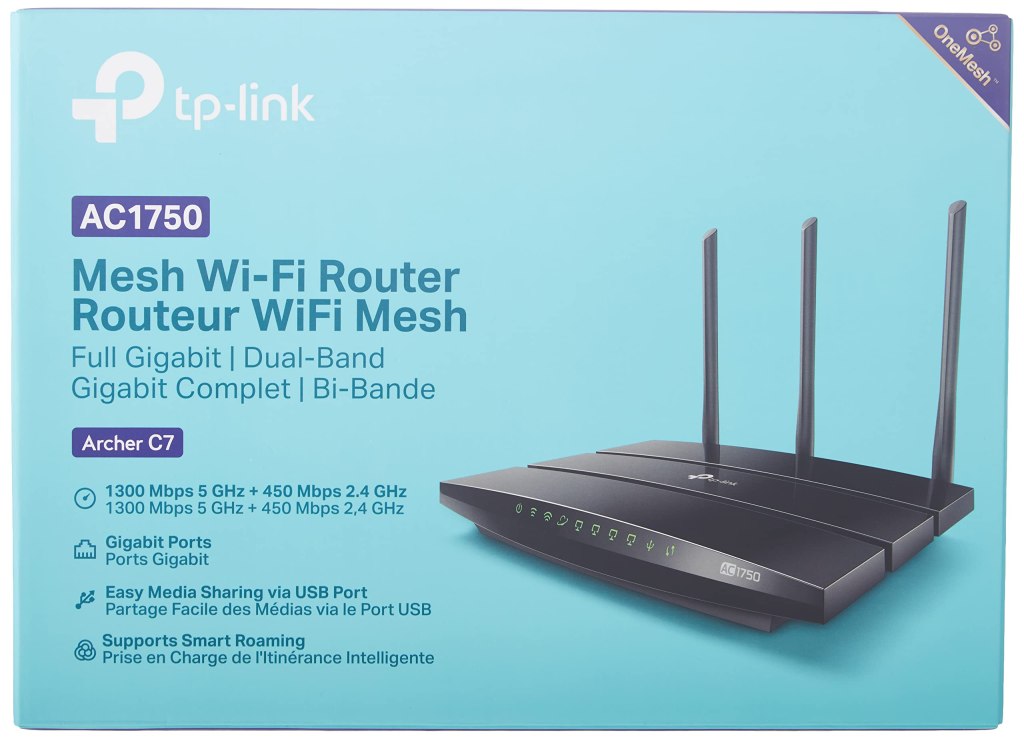
The GUI was really good for beginners. It was easy to use and included basic functionality that I’ve come to expect from consumer routers (coming from an Archer C7 that I’ve used at a few apartments prior to this). I was able to set static IPs on my smart devices, ensuring Home Assistant would recognize them indefinitely. More importantly, it had built in DDNS functionality that essentially made my home network public facing. After I set up the DDNS and port forwarded my Home Assistant, I could access my smart devices anywhere in the world that I had internet. All I had to do was type in “name.tplinkdns.com:port” and I was in.
This worked great. I really had very few complaints, functionally. But over time I grew more and more concerned about exposing internal ports directly to the internet. It carries some inherent danger, though I wasn’t sure how much. This also sparked additional worry about the security of my IoT devices. Sure, I only purchased “name brand” stuff, but that only means so much in the real world.
In my mind, the best solution for this problem was to have everything local, and somehow block internet access to my IoT devices, while still having access to Home Assistant while I was away. I figured the easier of the two was to block internet from my IoT devices. Surely there was an easy switch I could flip in my router’s GUI that would perform this action perfectly. Turns out, no. There was “parental controls” that did block internet to devices, but it was required to be on a schedule with some minimum amount of time allowed. If I was going to block them, I didn’t want them to be online, period. So I began researching my options. I thought I could simply replace my main router with a more advanced “pro-sumer” unit, but I wasn’t happy with the price – at least $200 for a router that still wasn’t particularly powerful or customizable.
During my research, I came across something that piqued my interest – pfSense – a free software-based router and firewall. It was open-source and had a good amount of documentation as well as a large online following. I decided to try and virtualize it on my existing Plex server. To do this properly, I would need an additional Ethernet port, as my server (which is essentially just a spare gaming PC) only had one. All of the Reddit posts recommended purchasing an Intel Network Interface Card (NIC), but they weren’t sold as ‘new’ anymore, so I would have to look in the secondhand market. I didn’t really trust eBay, as I had been warned of fake units being sold. At the same time, I installed pfSense to try and mess around with it a bit and found the interface overly complicated and confusing. I was uncomfortable with the whole situation but thought I could simplify things by simply purchasing a dedicated all-in-one pfSense box from Netgate, but I ran into the same cost issue I had experienced earlier.
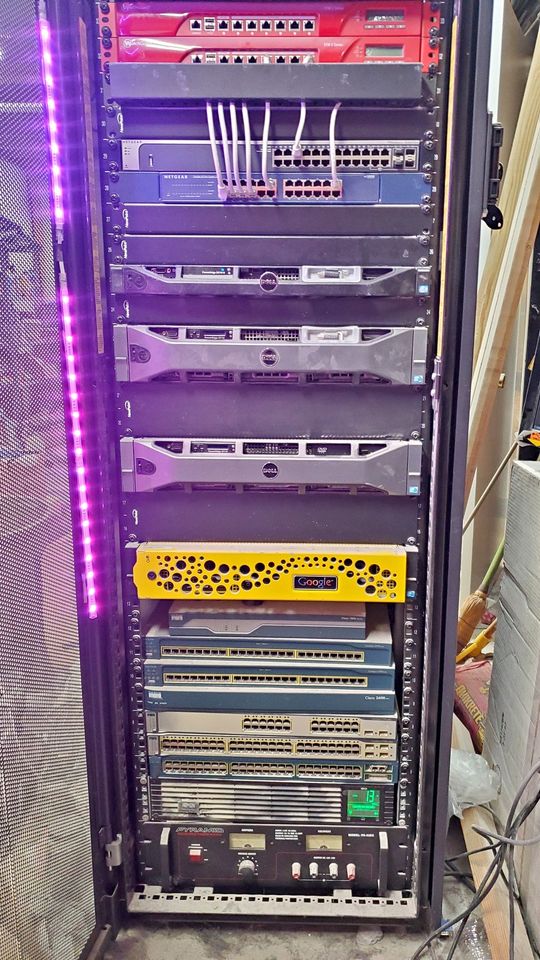
That’s when I started shifting my focus – maybe I could find a secondhand server that already had the dual NIC that I needed. Maybe I could get a good deal on a professional firewall or router – I wanted to learn more about programming Cisco switches anyway, since I was dealing with them at work. So I started the hunt on Facebook Marketplace. I quickly found a full sized, 42″ server rack, fully populated with the latest and greatest hardware…from 20 years ago. The entire thing was listed for $400 – a STEAL, I thought, compared to purchasing a tiny firewall for $250. I pulled the trigger. I asked my dad for his help and his truck, and he foolishly agreed to help. We had no idea what we were getting ourselves into.
We pulled up to a suburban house and were greeted by our host. He informed us that the server was in the basement and showed us downstairs. We walked into a laundry room and were surprised to see a giant server rack there, still running, and caked with dusty white powder. I was regretting my decision, but we had already come this far. We began disassembling the rack, piece by piece, getting completely covered in the dust that smelled like a mix of baby powder and cat litter. We piled the hardware up and began taking it to the truck. Rack equipment is heavier than it looks. We were both exhausted when it came time to move the rack itself. We wheeled it to the back door and angled it outside. The casters stuck in the grass immediately and we knew we weren’t going to get it up the hill to the truck.
I asked our host if he had a hand cart, but of course he did not. So my father and I took a quick trip to the local Harbor Freight to purchase one. While we were there, I picked up an air compressor to help clean all the dust. We get back to the rack, and with some effort, and a couple of dings in the rack side panels, we get everything loaded into the truck. Phew. I called up a friend of mine to help us unload everything at my house. We used the hand cart to roll the rack down my own hill, and we get all of the equipment into piles scattered around my basement. What have I done?
The next day, I spent a couple hours cleaning all of my new toys. The amount of dust that came out was truly incredible. I wiped them all down with microfiber rags and set them back inside. I finally had some hardware I was willing to touch. I went through and googled each piece, trying to nail down what I actually wanted to keep and what I wanted to sell. At the time, I decided to keep:
- An R710 server to try and run pfSense or possibly try out a virtualization setup using Proxmox or Unraid
- A managed, PoE switch for potential future expansion
- A firewall that was previously running as a pfSense server for the guy I purchased everything from
- A nice UPS to keep everything running when power went down
As I went to test out the R710, I realized that I would something I hadn’t seen in years – a VGA cable. I purchased one off Amazon and was able to get it working, but was unhappy with the noise level and power draw compared to a modern computer/server. I tried setting up the firewall as a pfSense server and was able to get it running, and was starting to delve into the world of VLANs as a way of sectioning off parts of my network. Nothing was working correctly, and I wasn’t sure why. (I know now that I needed a managed switch and access points that support VLAN tags, but at the time I had no idea). I was getting frustrated and felt that I had made a big mistake buying the rack.
I tried to make the best of it, and ended up listing the rack and equipment back on Facebook Marketplace. I made my money back, even factoring in the hand cart and air compressor, and had enough left over to purchase new Sealed Lead Acid (SLA) batteries and a cooling fan for the UPS unit. It took a lot of effort, but I was satisfied with that result – a 1500VA UPS of that caliber would cost around $700 new.
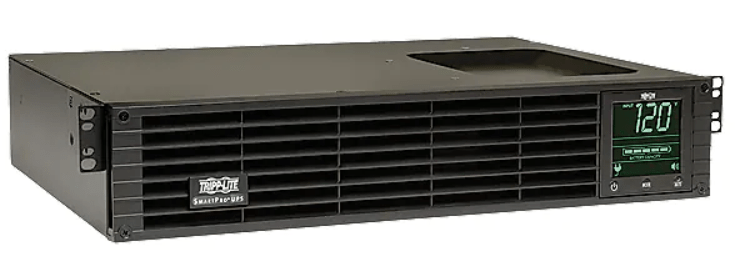
I was back to square one on my quest to secure my network – though I did have a nice UPS to show for it.
To be continued in Part 3…
 EIM Engineering